G Maps Extractor vs HasData - Which Tool Should You Use
Updated 8/24/2026
G Maps Extractor and HasData both scrape Google Maps, and both give you an API and a no-code option. So the G Maps Extractor vs HasData choice is not really about whether a tool can handle Google Maps. It is about which kind of product fits the way you work.
G Maps Extractor is a focused Google Maps product. Everything it offers, a no-code Online Scraper, a Google Maps Scraper API, and a browser extension, points at the same source: Google Maps business data. HasData is a developer-first scraping platform. It gives you a fast Google Maps API with SDKs and deep integrations, along with a no-code scraper, and Google Maps sits next to its other tools like a general web scraping API and a SERP API.
Both can pull Google Maps data with or without code. So this Google Maps data API comparison comes down to focus and developer experience. Here is how to tell which one suits you.
Quick Verdict
| Choose G Maps Extractor if | You want both no-code Google Maps scraping and API automation in one focused product, with a browser extension on top, aimed at leads, sales, and local SEO. |
| Choose HasData if | You prefer an API-first workflow with SDKs and developer integrations, and its developer experience fits neatly into your existing stack. |
G Maps Extractor vs HasData: Feature Comparison
| Feature | G Maps Extractor | HasData |
|---|---|---|
| Main focus | Focused Google Maps business data product | Developer-first scraping platform; Google Maps is one of several APIs |
| No-code options | Online Scraper (cloud) and a Chrome and Edge extension | A no-code Google Maps scraper, though the platform is API-first |
| Browser extension | Yes, works inside Google Maps | Not offered |
| API access | Google Maps Scraper API, plus Reviews and Photos APIs | Google Maps Search API with Python and NodeJS SDKs |
| Google Maps data | Business listings, contacts, reviews, and photos | Local business data: names, addresses, phones, ratings, reviews |
| Exports | CSV from the Online Scraper; JSON via the API | Excel, CSV, JSON |
| Best user type | Google Maps leads, local SEO, sales, CRM | Developers building Google Maps data into their stack |
Both cover no-code and API. The difference is where each one puts its weight. G Maps Extractor keeps everything centered on Google Maps. HasData centers on the developer API and a wider platform.
What G Maps Extractor Is Best For
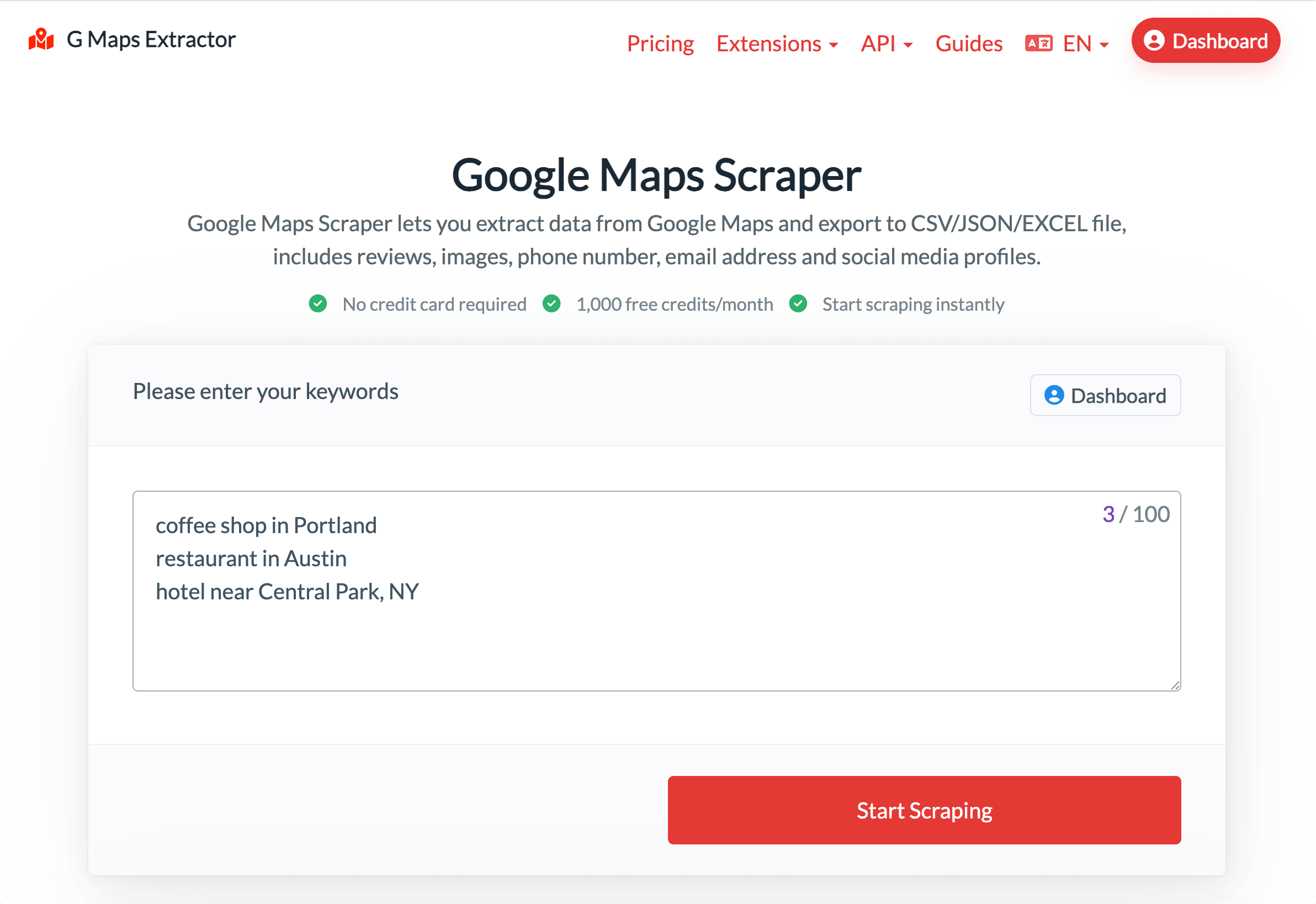
G Maps Extractor is for people who live in Google Maps data. one clear end of the G Maps Extractor vs HasData spectrum. If you do not want to code, the online Google Maps scraper runs in the cloud: type your keywords with the location in the line, like "coffee shop in Portland", run the job, and download a CSV. New accounts get free credits each month to try it.
When you want automation, the Google Maps Scraper API returns JSON, and there are dedicated endpoints like the Google Maps Reviews Scraper API and a Photos API for those specific jobs. A Chrome and Edge extension covers the times you would rather pull data while browsing Google Maps directly. That is the pitch: one source, and a no-code path, an in-browser path, and an API path to reach it.
The data is business focused: names, addresses, phones, emails, social profiles, ratings, reviews, and photos, which is what lead generation, sales, local SEO, and CRM work run on. Pricing is a monthly plan with a set record allowance, so costs stay easy to read. If Google Maps is your main source and you want the whole toolkit built around it, this is the closer fit, and the browser extension is something a pure API platform does not offer.
What HasData Is Best For
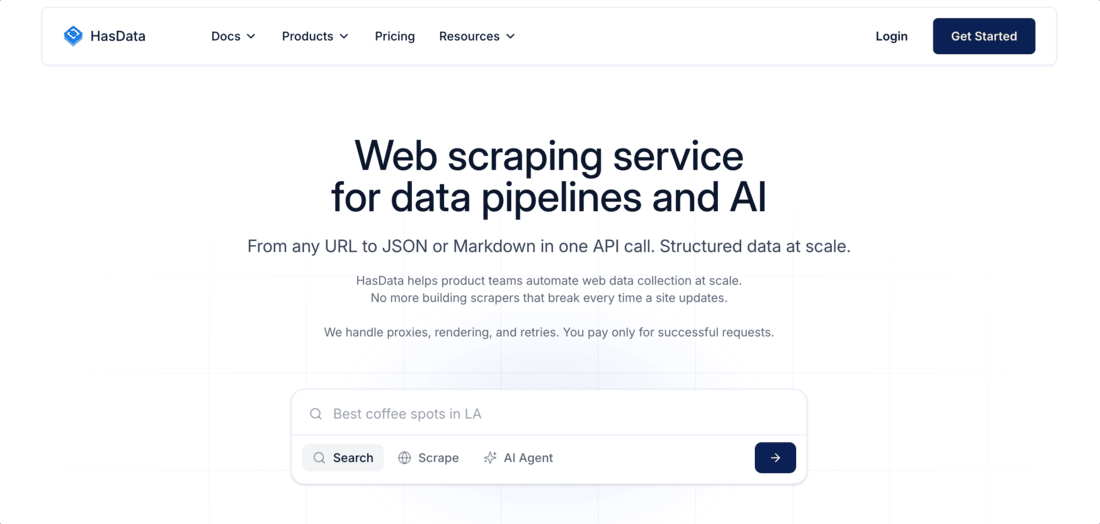
HasData is a strong choice for developers, and it sits at the other end of the G Maps Extractor vs HasData spectrum. Its Google Maps offering is built around a clean, fast API that returns structured JSON, with Python and NodeJS SDKs and clear docs. It is well reviewed for that developer experience, and it plugs into tools like Zapier, Make, n8n, and webhooks, so Google Maps data can flow straight into an app, a pipeline, or an AI workflow.
It is also part of a wider platform. Alongside the HasData Google Maps API, you get a general web scraping API, a SERP API, and a reviews scraper under one account. HasData offers a no-code Google Maps scraper too, so it is not developers only, but the platform's center of gravity is clearly the API.
So if you are building Google Maps data into your own product, or you also need general web or SERP scraping through one provider, HasData is likely the better home. As a HasData alternative for a Google-Maps-only job, a focused product trades some of that platform breadth for a tighter toolkit and a browser extension. The right pick depends on how developer-led your workflow is.
Pricing: A Quick Comparison
| G Maps Extractor | HasData | |
|---|---|---|
| Free tier | 1,000 records per month | Free plan, 1,000 credits a month |
| Paid entry | $29 a month for 80,000 records | Paid plans from $49 a month |
| Google Maps rate | Included in the monthly allowance | Google Maps API from about $1.23 per 1,000 requests (less on higher plans) |
| Model | Fixed monthly record allowance | Subscription plans with credits, billed per successful request |
G Maps Extractor charges a flat monthly fee for a set number of records, so budgeting stays simple for steady Google Maps work. HasData uses subscription plans with a pool of credits and bills per successful request, with its Google Maps API priced per 1,000 calls at a rate that drops as you move up plans. That suits developers who want usage-based pricing across many data sources.
Neither is always cheaper, since it depends on your volume and which APIs you use. Prices can change too, so check the current pricing pages for both tools before you decide.
Which Tool Should You Choose?
A few clear cases settle most G Maps Extractor vs HasData questions:
- You want a focused Google Maps tool with no-code, an extension, and an API: G Maps Extractor.
- You are a developer who wants an API-first workflow with SDKs: HasData.
- You want a browser extension for Google Maps: G Maps Extractor.
- You also need general web scraping or SERP data from one provider: HasData.
- You want dedicated Reviews and Photos APIs for Google Maps: G Maps Extractor.
- You want Google Maps data feeding an app or AI pipeline: the HasData API.
If the API is your main interest, the Google Maps Scraper API page shows what it returns, and you can weigh the plans on the pricing page before you decide.
FAQs
Is G Maps Extractor a good HasData alternative?
If you want a focused Google Maps product with a no-code Online Scraper, a browser extension, and an API in one place, yes. In a straight G Maps Extractor vs HasData matchup, HasData is the better pick when you want an API-first developer workflow or broader web and SERP scraping.
Do both tools offer an API?
Yes. G Maps Extractor offers the Google Maps Scraper API plus Reviews and Photos endpoints. HasData offers a Google Maps Search API with Python and NodeJS SDKs and structured JSON.
Do both have a no-code option?
Yes, both sides of the G Maps Extractor vs HasData comparison offer one. G Maps Extractor has a no-code Online Scraper, and it also has a browser extension. HasData has a no-code Google Maps scraper, though its platform leans toward the API and developer tools.
Which is better for developers?
HasData leans developer-first, with SDKs, structured JSON, and integrations like LangChain and n8n, and that's usually the deciding factor in a G Maps Extractor vs HasData comparison for technical teams. The G Maps Extractor API works well, too, inside a product focused only on Google Maps. Pick based on whether you want a broad developer platform or a focused Google Maps toolkit.
Which one is cheaper?
It depends on your usage, since the models differ. G Maps Extractor uses monthly plans with a set record allowance. HasData has a free tier and paid plans priced by requests or rows, and bills for successful results. Compare each against your expected volume rather than a single price.
Conclusion
The G Maps Extractor vs HasData decision is focused against the platform. If Google Maps is your main source and you want a no-code Online Scraper, an API, and a browser extension in one focused product, G Maps Extractor is the natural pick. If you want an API-first developer experience and a wider scraping platform, HasData earns its place.
Both work with publicly available business information, and both turn slow research into a clean export. Match the tool to how you build, and either can be the right call.